


How to Access the LearnED Training System

- LearnED is available for State/Local/Tribal/Territorial constituents as well as other non-FDA regulatory partners. You can now go to the OII Training System – LearnED to search the Course Catalog.
- The login ID for state, local, tribal, and territorial partners as well as other Non-FDA Regulators will now be your employment email address. Contact the helpdesk at: appsdesk@fda.hhs.gov if have issues logging into the New LearnED System.
- Once you have logged in and accessed the LearnED Welcome Page click on the events calendar button in the middle of the page to view the Course Calendar Schedule.
- You can also use the search bar on the top right of the Welcome page and type in a key word or phrase, course ID number or topic area to search for courses.
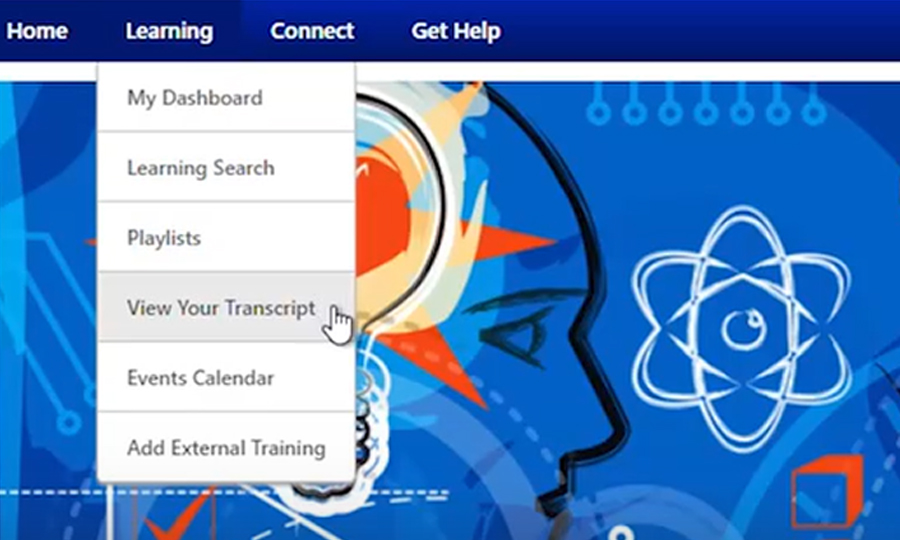
- Additionally, you can also search for a course by going to the Learning Tab and clicking on the Learning Search link from the drop-down menu to filter for courses by duration, type, modality, and subject.
- When you find the event/session that you are looking for click on it to view the information related to the course.

Access to ComplianceWire is no longer available through FDA.
FDA associated training courses and records have been transitioned to the LearnED Training System.
OTED’s Learning Management System (LMS) is the LearnED Training System. Below, find more information on this system and how to obtain your respective transcripts:
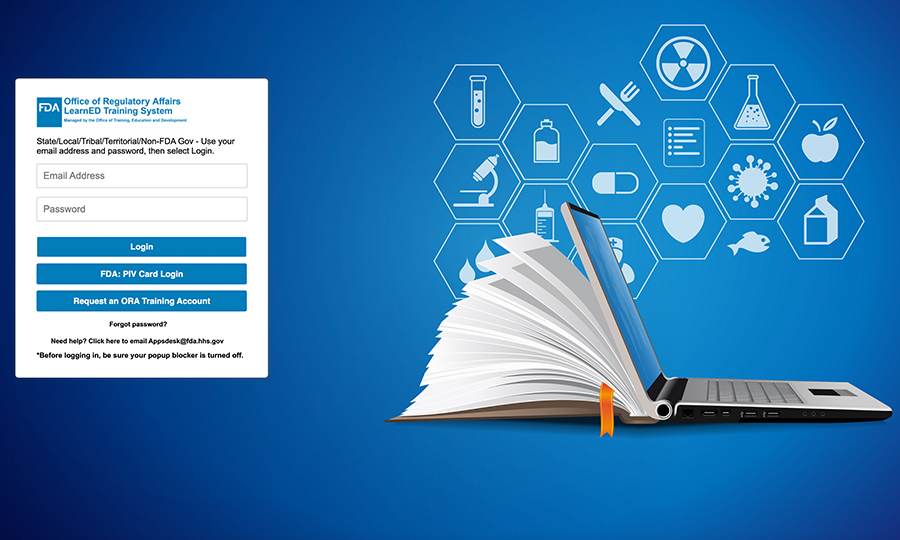
Where to access the OII LearnED System:
Log onto: https://fdaoted.csodfed.com and click on the blue button labeled “Calendar” to view currently scheduled OTED courses. For a more comprehensive look into using OII LearnED you can view the following OII LearnED OTED resources: Knowledge Bank: Topics: Learner User Guides: (csod.com).

| Glossary Crosswalk for Learners: Since the OII LearnED Training System utilizes different terminology than that of the legacy Pathlore LMS we’ve prepared this Glossary Crosswalk to help you navigate the new system. | ||||||||

| Quick Reference Guide: View our OII LearnED Quick Reference Guide to see a synopsis of the system. | ||||||||

| Short video tutorials: Click the following links to view our short video tutorials:
| ||||||||

| User Guides: For a more comprehensive look into using OII LearnED you can view the following OII LearnED OTED User Guides: |

How to get your Personal Transcripts
- For courses taken through the OII LearnED LMS, log into the Welcome page, then click on the blue ‘Transcript’ button https://fdaoted.csodfed.com
- For courses and learning requirements delivered through the HHS learning portal, log into https://lms.learning.hhs.gov/ and click “learning”